Skype

Features of Skype
World Is Keep Talking In Skype
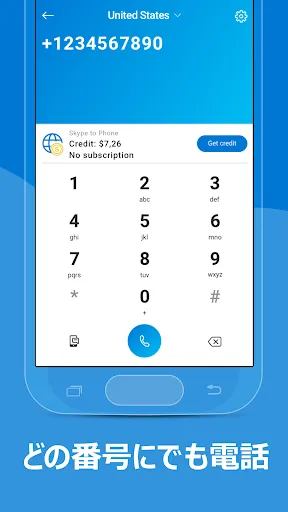
Skype provides a chat platform for everyone anywhere. You can make HD video calls to meet your loved ones, call any number if you are camera shy, send a message to express yourself by using emoticons, GIFs, stickers, and images, and send photos or videos to share your life. Join Skype. Keep talking. Contact mobiles worldwide!
Bing In Skype
There has the new Bing in Skype which you can chat with in your personal or group chats. When you ask for recommendations, you will get AI-powered answers that help you to make up plans. Try to enjoy the fun of asking Bing for any things.
Tips
☎️ Calls are free.
Free to call Skype to Skype! But you will have to apply some operator data charges; therefore, using an unlimited data plan or WiFi connection is better.
✅ Access permissions:
Here are some access permissions while using Skype.
- Contacts. Skype will upload your contacts for you to easily find your friends to connect with.
- Microphone. This is a chatting app, so the microphone is necessary for people to hear you or for you to record audio messages.
- Camera. When you make a video call, the camera is needed for people to see you. You can also use the camera in Skype to take photos for share.
- Location. It's not 100% necessary, but you can use it to share your location with other users. If you need to find relevant places near you, with location access, Skype can help you to do that quickly and accurately.
- External Storage. Skype’s photo-saving function needs storage to store photos or to share your photos with others.
- Notifications. Users will receive notifications when messages or calls come.
- Screen Sharing. Skype needs screen sharing to access all information on the screen
Note that: All permissions are optional. If you do not grant the corresponding permissions, you can still use Skype, but some features may not be available.
Pros & Cons
- Instant message, voice or video call
- Fluent connection
- Multiple devices allowed
FAQ
What devices can I use for the app?
Skype is available on phones, tablets, PCs, and Macs.


Ratings
Similar Apps


Top Apps