Discord - Talk, Play, Hang Out

Features of Discord - Talk, Play, Hang Out
Meet New Friends
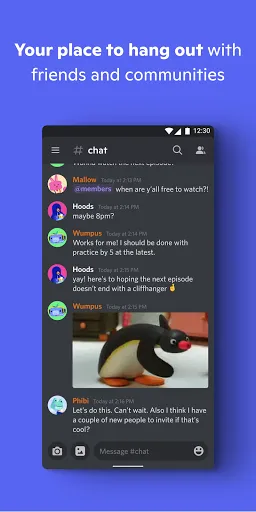
At Discord, you can meet interesting people from all around the world. You can voice chat with your friends, gossip, and talk about any topic you like. With Discord, communication becomes easier.
Immersive Chat
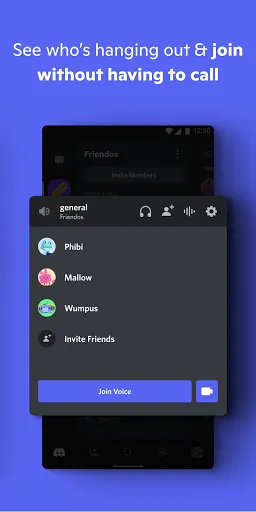
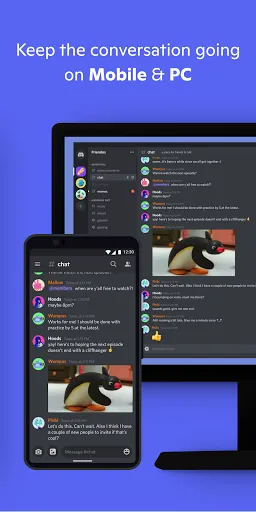
By choosing a voice channel in Discord, you can chat with your nearby friends at any time. Low-latency voice makes for a more comfortable and immersive experience. You can also video chat with your friends, watch their live games, and do more things to bring you closer together.
Circles For Like-minded People
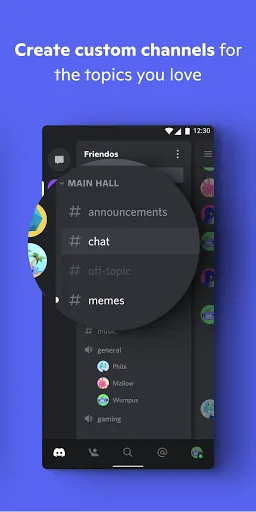
No matter how niche your hobby is, you can find friends with the same hobby in Discord. You can join a game club, a book club, or a music club of your choice.
Freedom Of Expression
You can talk freely on any of the channels, share your daily life and talk about the world. You can also share funny videos, favorite selfies, etc. Discord offers a platform for you to go ahead and express yourself!
Tips
😜 Connect other services to your account.
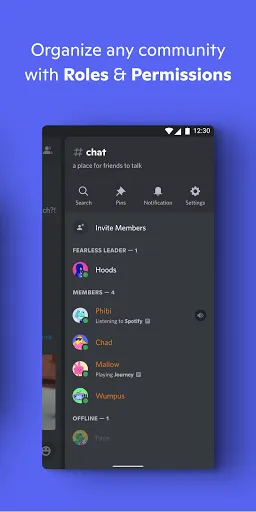
After setting up a Discord account, users can connect other services to the Discord account, which enables more features. If you're going to connect the Spotify account to Discord, your friends will see what you're listening to. Similarly, connecting with PlayStation Network, Xbox, and Steam, will allow others to see what you're playing currently.
📁 Put servers into folders.
Discord allows users to connect many servers to the account, which can be a mess if there are too many of them. Well, categorizing servers into folders is the best way to create a well-organized Discord account. You may top one server to another, and a folder will be created automatically!
🔈 Customize users' volumes.
Some of your friends might be quieter or speak louder than others, which makes their audio files too quiet or too loud to be heard. That is when you use the feature to either boost or reduce their audio volume level. Just head to the web apps, and click on a username to adjust the volume through the User Volume slider.
👻 Share whatever you want on the screen.
Users can share the entire desktop or a specific program window when doing a closed video call by clicking the Screenshare button underneath the thumbnails. You can even stream with your friends by clicking the Go Live button next to your name inside a voice channel.

Ratings
Similar Apps


Top Apps