

DocuSign - Upload & Sign Docs

Sponsored
Category
Productivity
Latest Version
VARY
Publish Date
01/11/2012
Developer
DocuSign
Security
100% Safe
Price
Free
Sponsored
Editorial Note
All app reviews here are 100% independent. We receive no developer compensation or affiliate commissions. Our free site is funded entirely by third-party display ads, explicitly marked as "Sponsored" across the page.
Features of DocuSign - Upload & Sign Docs
Convenient Document Handling
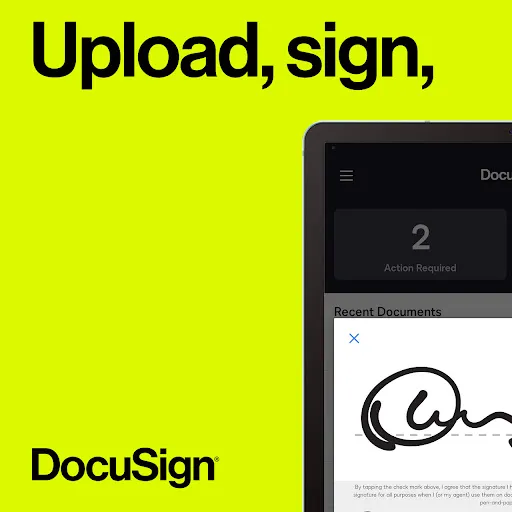
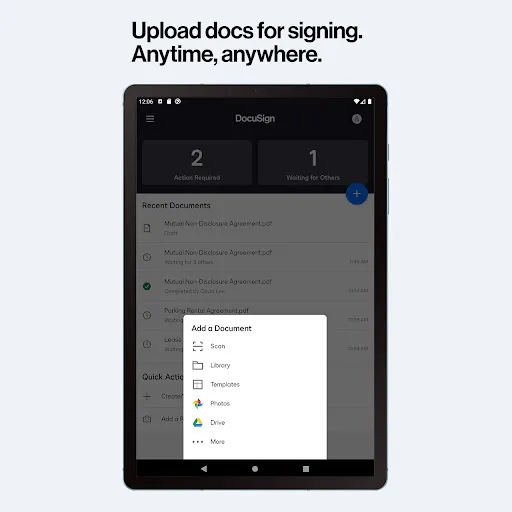
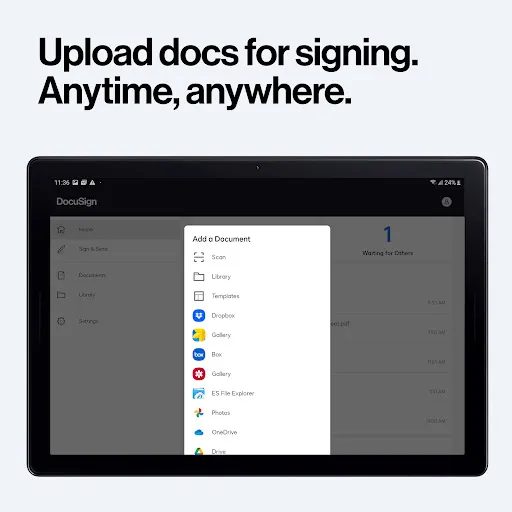
With DocuSign, managing and signing documents has never been easier. The app allows users to effortlessly upload and organize their important files, making it a breeze to access them whenever and wherever needed.
Legally Binding eSignature
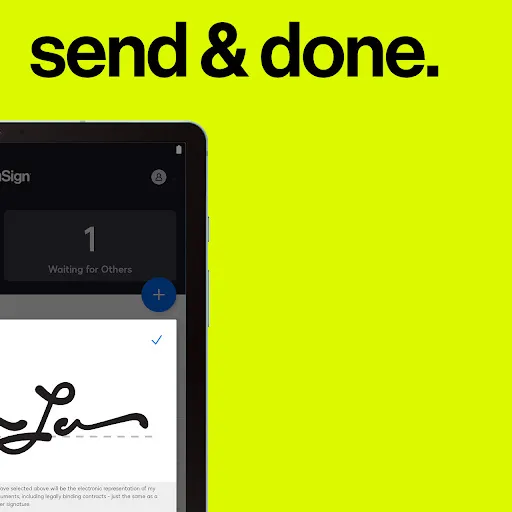
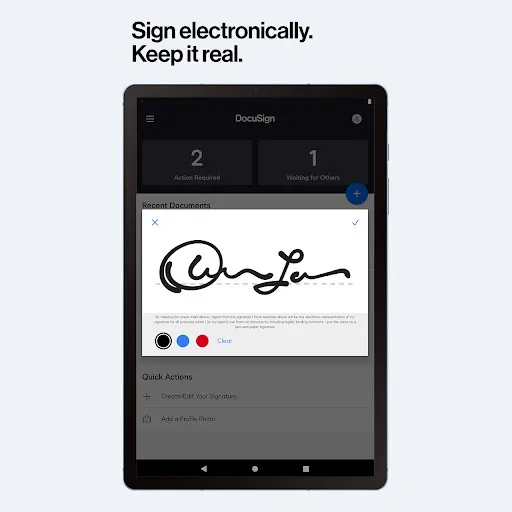
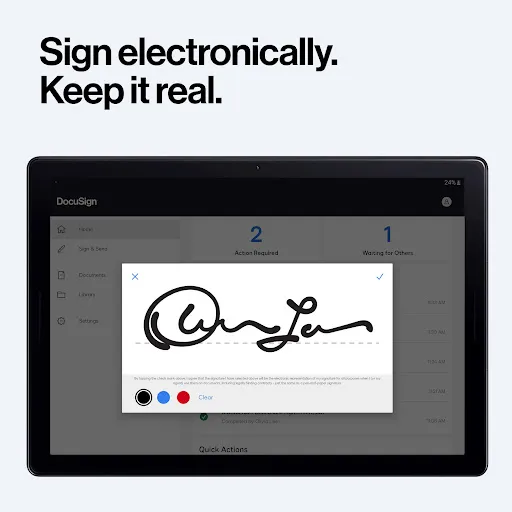
One of the standout features of DocuSign is its robust eSignature functionality. Users can securely sign documents electronically, ensuring legality and authenticity. This empowers individuals and businesses to save time and reduce paperwork.
Seamless Collaboration & Workflow Integration
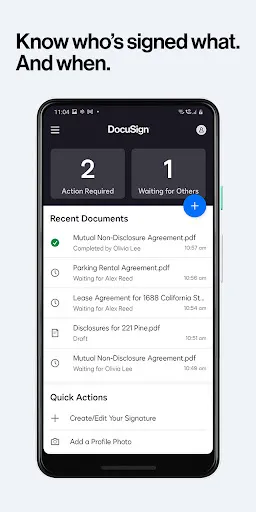
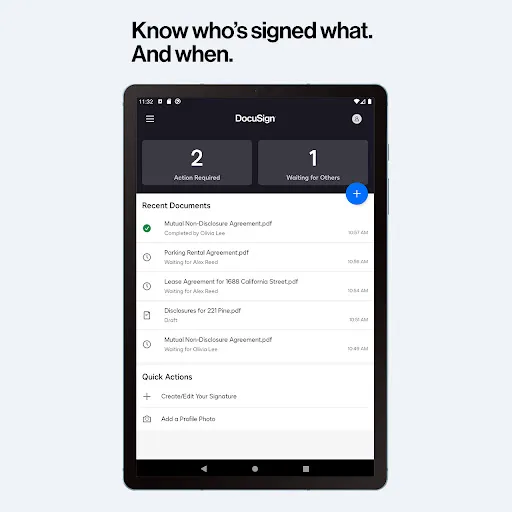
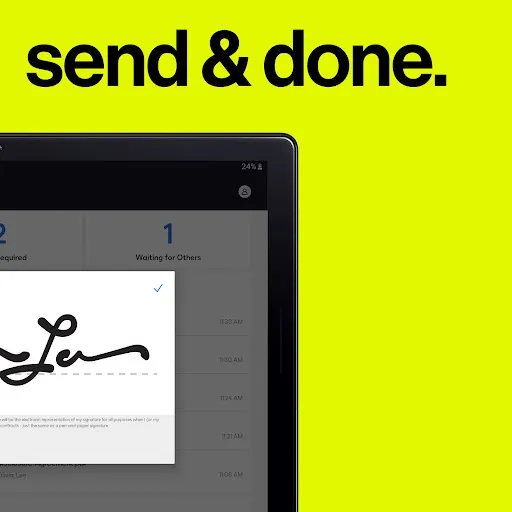
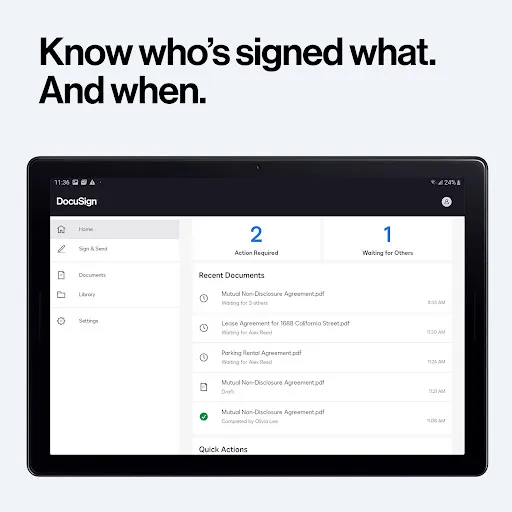
DocuSign seamlessly integrates with various workflow systems, enabling smooth collaboration and efficient document management. Users can easily send documents for signing, track their progress, and receive notifications for every step completed.
Pros & Cons
- Ease of use
- Collaboration and management
- Free signing
- Subscription costs
- Reliance on internet connectivity
FAQ
How do I sign documents online through DocuSign?
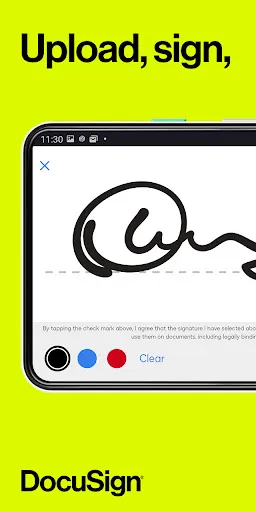
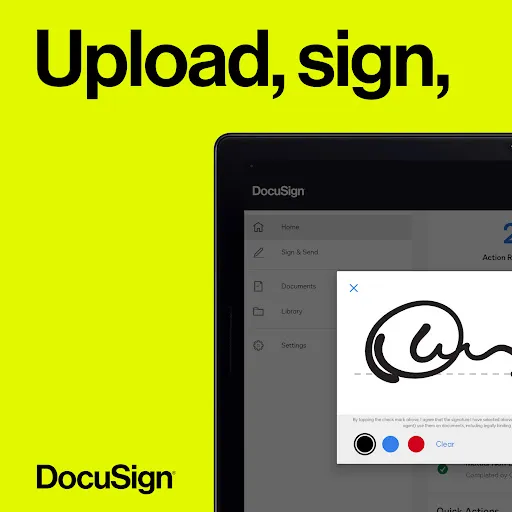
- Open DocuSign on your mobile device and create a custom digital signature.
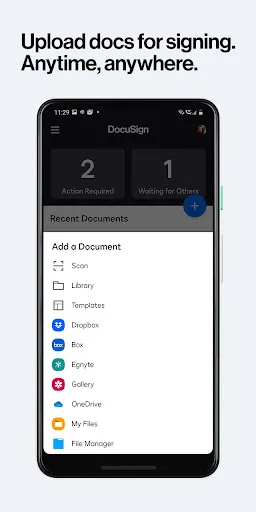
- Scan and upload the document, supported upload methods include, but are not limited to, email, Google Drive, DropBox, Box, Evernote, Salesforce, or photos.
How do I send someone a document that needs to be signed via DocuSign?
- Import the document to be co-signed on DocuSign.
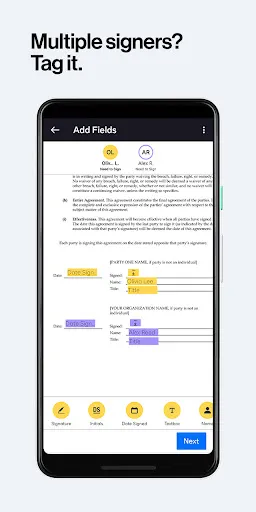
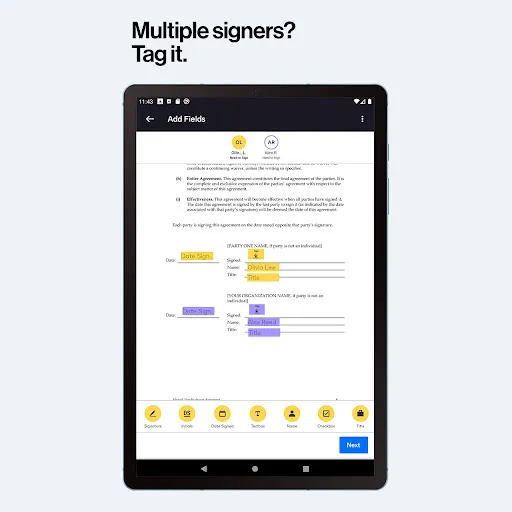
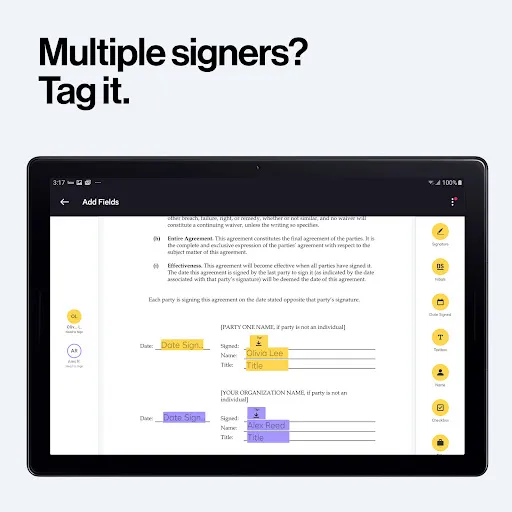
- Use the Sign Here tab to show exactly where to sign, initial, or add other information, and invite others to sign.
- Tap to remind the signer to sign.
Sponsored


Ratings
Similar Apps

Meta AI
Productivity
4.5

Google NotebookLM
Productivity
4.8

Google Gemini
Productivity
4.5

Microsoft Word: Edit Documents
Productivity
4.7

PDF Reader - PDF Viewer
Productivity
3.6

Grok - AI Chat & Video
Productivity
4.7

DuckDuckGo, optional Duck.ai
Productivity
4.7
PDF Reader, Editor, Converter
Productivity
3.8

Word Document: DOCX, PDF, XLSX
Productivity
4.3

Adobe Acrobat Reader: Edit PDF
Productivity
4.3

Microsoft Excel: Spreadsheets
Productivity
4.7

Beatron - AI Music Maker
Productivity
4.6
Top Apps

ShopBack: Cashback & Rewards
Shopping
4.2

HBO Max: Stream TV & Movies
Entertainment
4.6

Prime Video
Entertainment
4.0

WhatsApp Messenger
Communication
4.6

Paramount+
Entertainment
3.3

AliExpress - Shopping App
Shopping
4.2

SHEIN-Shopping Online
Shopping
4.7

9Now
Entertainment
4.0

Instagram
Social
3.7

Proton VPN: Fast & Secure VPN
Tools
4.7

Depop - Buy & Sell Clothes
Shopping
4.7

Shop
Shopping
4.3