Word Document: DOCX, PDF, XLSX

Features of Word Document: DOCX, PDF, XLSX
Easy to Use Interface
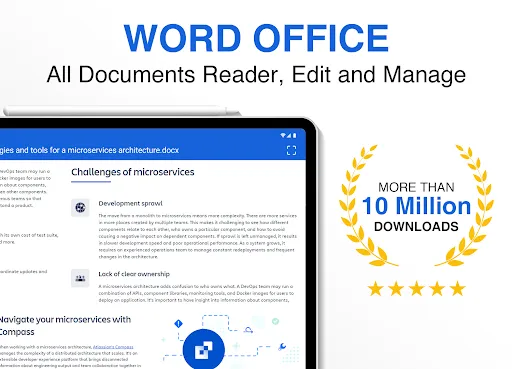
Word Office - PDF, Docx, Excel provides a user-friendly interface that is easy to navigate, allowing users to effortlessly view and edit their documents.
Compatibility with Various Formats
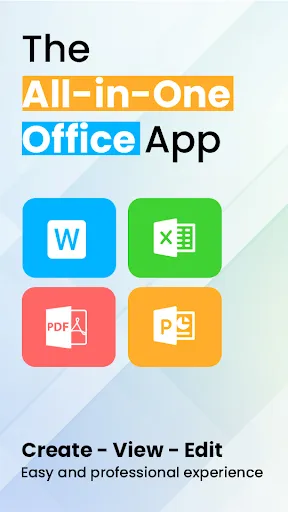
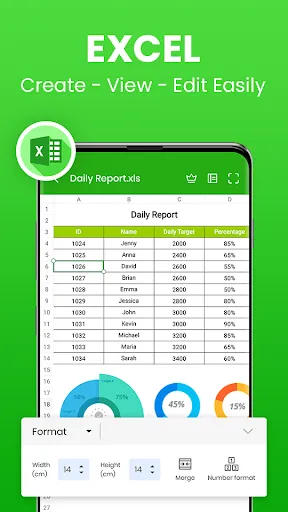
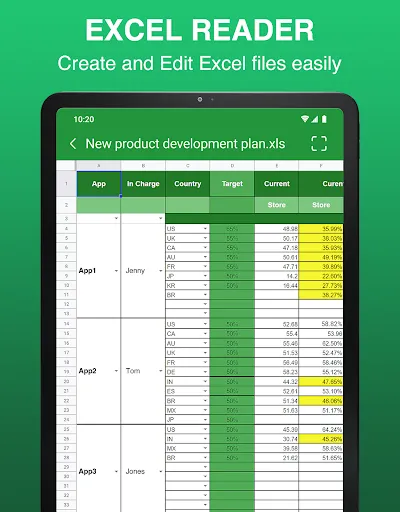
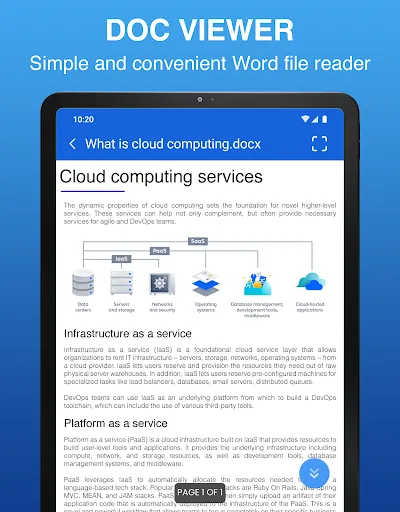
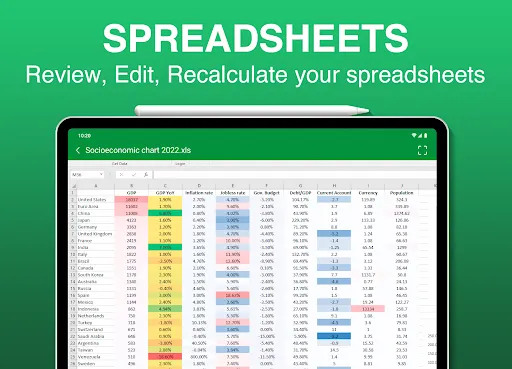
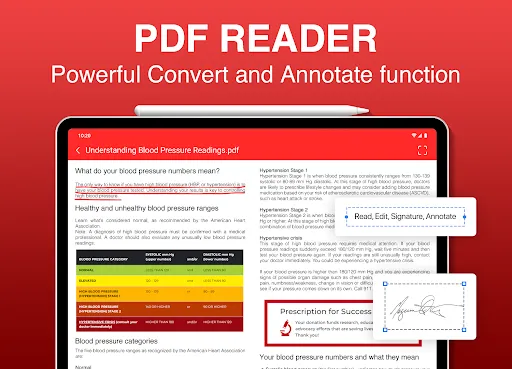
With support for multiple formats, including PDF, Docx, and Excel, this app ensures that users can seamlessly view and work on different types of documents without any compatibility issues.
Advanced Editing Tools
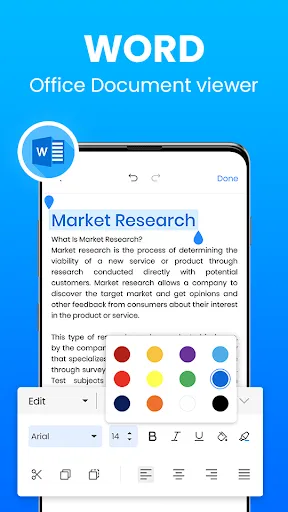
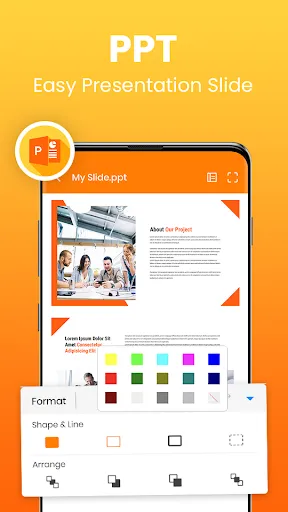
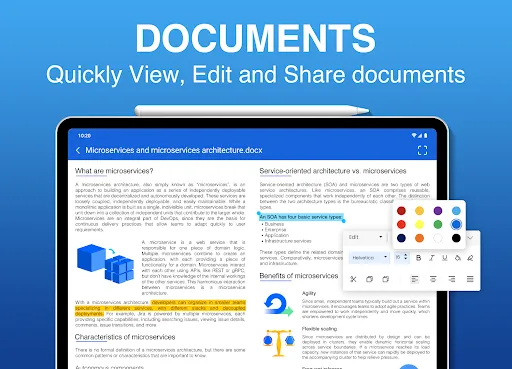
Word Office - PDF, Docx, Excel comes equipped with a wide range of editing tools, such as formatting options, text highlighting, and the ability to insert and delete content, enabling users to tailor their documents according to their needs.
Tips
📑 Start with familiar formats.
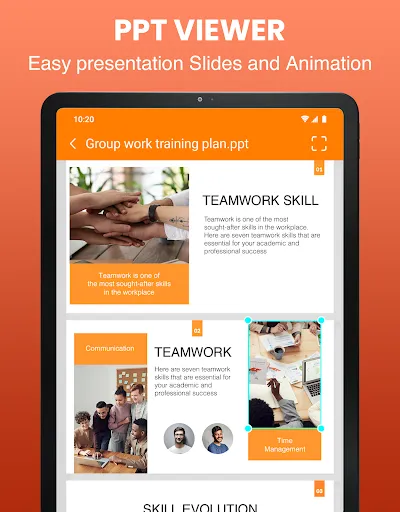
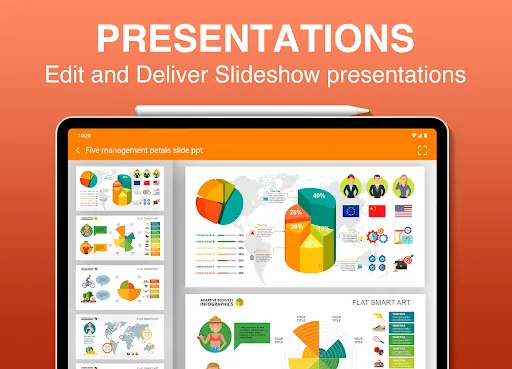
Dive into familiar file formats like .docx, word, xlsx, pptx, and txt. With Word Office, you don't need multiple apps to handle various document types. Transition between formats with ease and experience seamless file integration.
🔍 Utilize the SCAN feature.
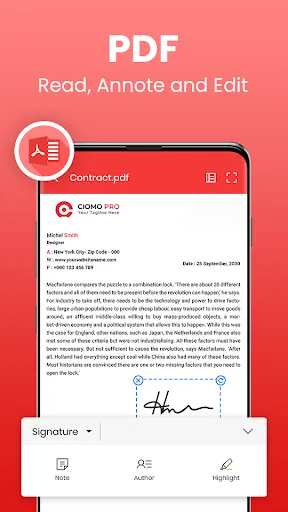
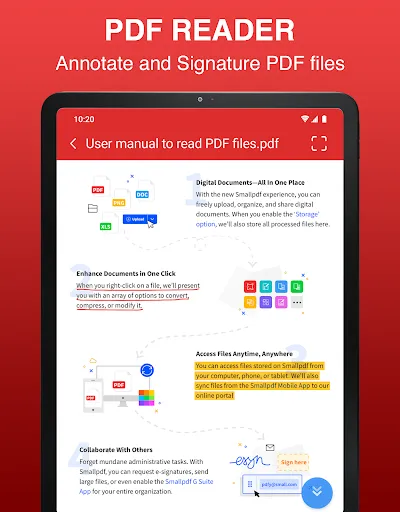
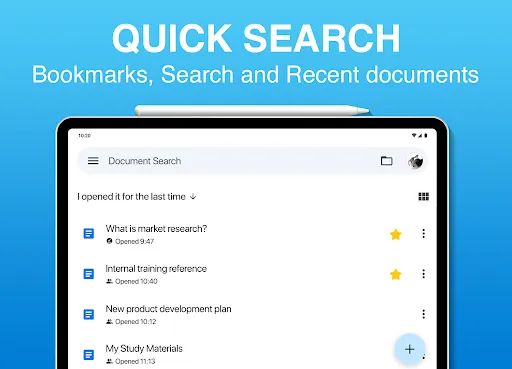
Elevate your document handling by utilizing the app's powerful SCAN feature. Convert documents to PDFs, search files rapidly, and extract text from images with precision. Remember to explore e-signature additions and security watermark options to enhance your files' professionalism.
🌐 Collaborate in real-time.
Gone are the days of waiting for document updates. With the Word Office app, collaborate with colleagues in real-time on any document type. Whether it's a PDF, XLSX, or PPT, everyone can work simultaneously, boosting productivity and fostering teamwork.
Pros & Cons
- Real-time collaboration
- Seamlessly converts various file formats to PDF
- Document tracking
FAQ
Does the app support editing offline documents?
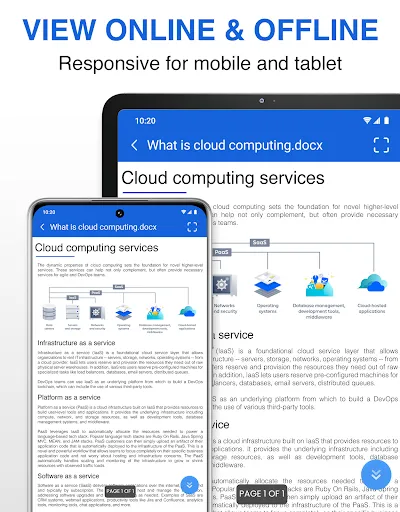
Absolutely! The app allows users to view and edit documents offline, especially with formats like Docx and Offline Word Files.
Can I collaborate with others even if they don't have the app?
To experience the full suite of collaboration features, both parties would ideally have the app. However, edited documents can be shared through various means like Gmail.
Ratings
Similar Apps








Top Apps