

AnyDesk Remote Desktop

Sponsored
Category
Business
Latest Version
6.6.0
Publish Date
02/07/2017
Developer
AnyDesk Software GmbH
Security
100% Safe
Price
Free
Sponsored
Editorial Note
All app reviews here are 100% independent. We receive no developer compensation or affiliate commissions. Our free site is funded entirely by third-party display ads, explicitly marked as "Sponsored" across the page.
Features of AnyDesk Remote Desktop
Fast
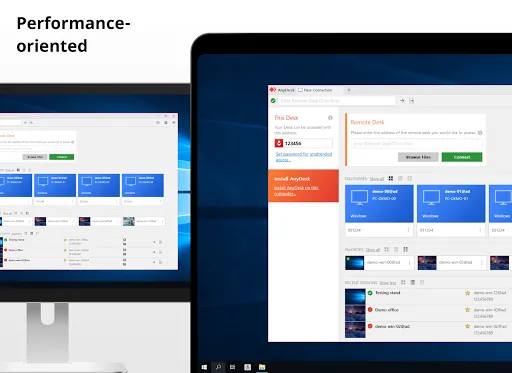
- High frame rates: Enjoy a fluent on-screen experience as if you were sitting directly in front of the remote device, with 60 fps on local networks and most other internet connections.
- Low Latency: Near-instant responses are essential when working on a remote desktop. That’s why AnyDesk latency lies below 16 ms on local networks and is therefore not perceptible.
- innovative technology: Built by us, DeskRT is an innovative codec that forms the foundation of AnyDesk. It compresses and transfers image data between computers in a way that no competing product is able to do.
Screen Sharing
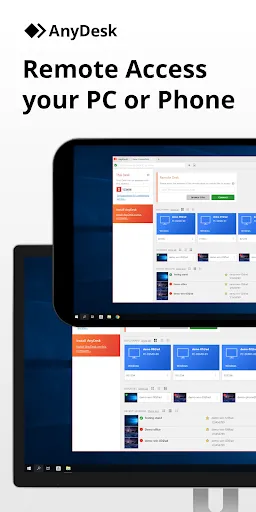
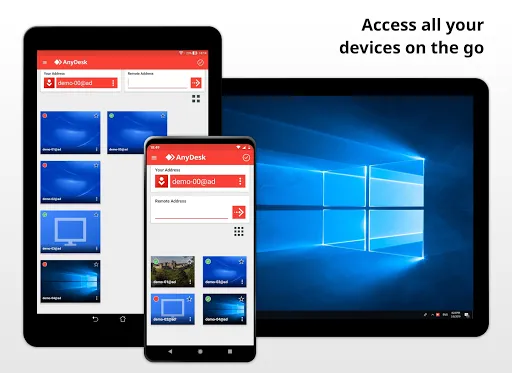
AnyDesk allows for smooth screen sharing and recording from all across the world in real time.
Fluent mobile device management
Need to manage a large number of mobile devices? AnyDesk can easily stem the workload and perform smoothly while saving plenty of time.
Efficient Remote Printing
Print from everywhere with one click, no detours needed. Your remote work experience becomes even more immersive and seamless.
Tips
📃 Share files and folders without the need for any additional software.
- Efficiency & Speed: AnyDesk File Transfer is the fastest and most efficient way to share files across computers and servers. AnyDesk works on all devices, no matter what OS is used. For Windows and OSX users who require more advanced file-sharing features, the AnyDesk File Transfer provides a File Manager with comprehensive administration and management options.
- Easy to use: Whether sharing documents with colleagues and clients or managing folders across IT teams, AnyDesk provides lightning-fast transfer times and intuitive handling. Thanks to easy copy and paste functionality, AnyDesk makes Remote File Transfer extremely simple. Initiating the file transfer only takes a few clicks!
- Configuration & Control: To facilitate control over your client, File Sharing can be disabled completely in the security settings. Furthermore, you can disable access to your locally saved files for individual sessions. AnyDesk remembers your preferences for computers and servers that you are connecting to and protects you from misuse.
💻 Enjoy efficient and secure remote collaboration.
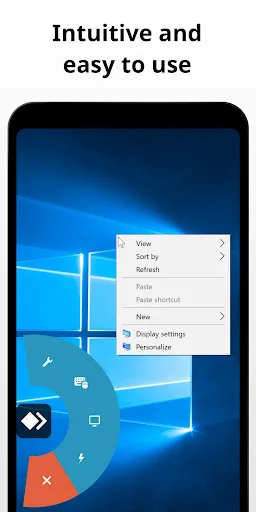
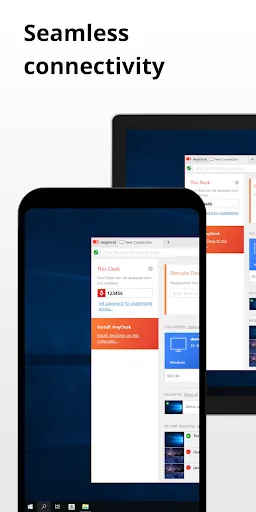
- Intuitive collaboration: It only takes a couple of clicks to connect via AnyDesk. The small file is quickly downloaded and set up. Send a session request or invite your colleagues to access your screen. You will be connected in no time.
- Maximum security: You decide how your project partners can access your device. With Interactive Access, you have full control. No one can access your device without you actively allowing it. You can adjust the session permissions at any time over the Accept Window.
😄 Start now!
- Install and launch AnyDesk on both devices.
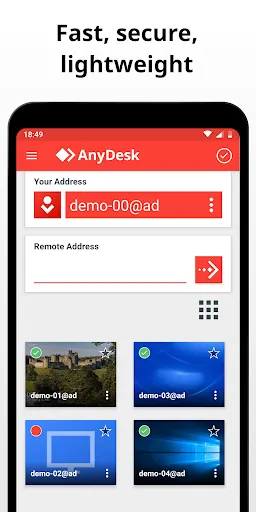
- Enter the AnyDesk-ID that is displayed on the remote device.
- Confirm the access request on the remote device.
- Done. You can now control the remote device remotely.
Sponsored
Ratings
Similar Apps

Microsoft Authenticator
Business
4.6

Australia Post
Business
4.7

Microsoft Teams
Business
4.6

SEEK: Job Search & Career
Business
4.6

Indeed Job Search
Business
4.6

SEEK Pass
Business
4.7

Uber - Driver: Drive & Deliver
Business
4.5

LinkedIn: Jobs & Business News
Business
4.2

Adobe Scan AI PDF Scanner, OCR
Business
4.7

Webex Meetings
Business
4.2

DoorDash - Dasher
Business
4.4

Fiverr - Freelance Service
Business
4.6
Top Apps

Instagram
Social
3.7

AliExpress - Shopping App
Shopping
4.2

Paramount+
Entertainment
3.3

SHEIN-Shopping Online
Shopping
4.7

Proton VPN: Fast & Secure VPN
Tools
4.7

9Now
Entertainment
4.0
ShopBack: Cashback & Rewards
Shopping
4.2

WhatsApp Messenger
Communication
4.6

Depop - Buy & Sell Clothes
Shopping
4.7

Prime Video
Entertainment
4.0

Shop
Shopping
4.3

HBO Max: Stream TV & Movies
Entertainment
4.6