Features of App Lock - Lock & Unlock Apps
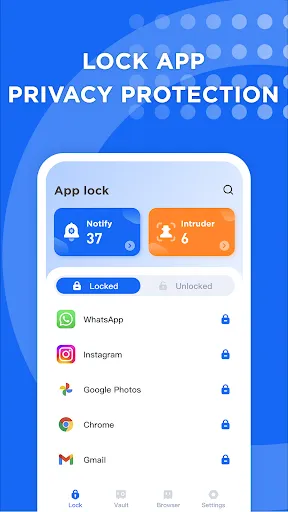
Intruder Verification
If the same app is repeatedly unlocked more than three times, App Lock will turn on the mobile phone’s camera and verify whether the owner of this device is operating. The person who unlocks the app will be photographed and saved to the local album.
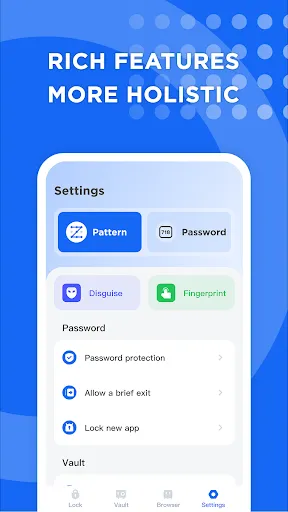
Pretender
The app icon and unlock page can be disguised to make App Lock more secure.
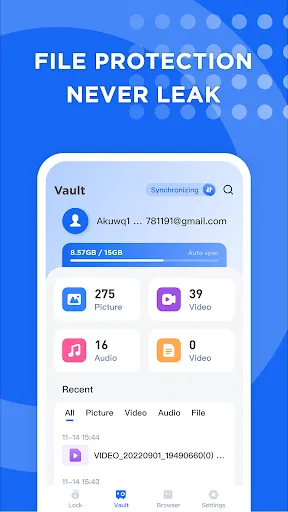
File Vault
Keep your important or private files in the file vault so they can't be found in the file app or where you browse them, making your files more secure and private.
Tips
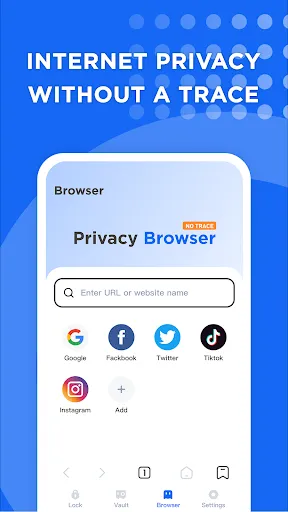
😏 Use a privacy browser with App Lock.
App Lock allows you to browse privately without leaving any traces in your browser.
💦 Totally free.
There are no fees or subscriptions required to use App Lock. Download and enjoy now!
Pros & Cons
- Useful
- Powerful features
- A few bugs
FAQ
What will happen when notification protection is turned on?
When the notification protection option in App Lock is turned on, the notification bar will no longer show any app notifications and you can only view them by going to App Lock.
Ratings
Similar Apps












Top Apps