FLY PDF-View PDF

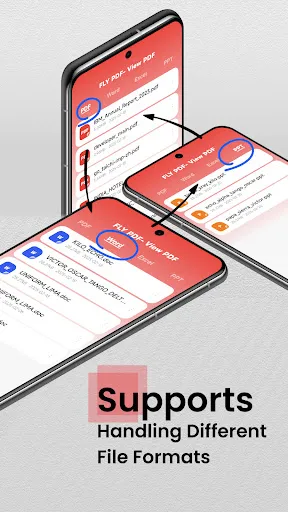
Features of FLY PDF-View PDF
Quick Viewing and Navigation
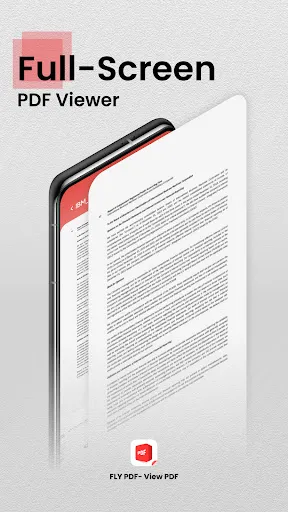
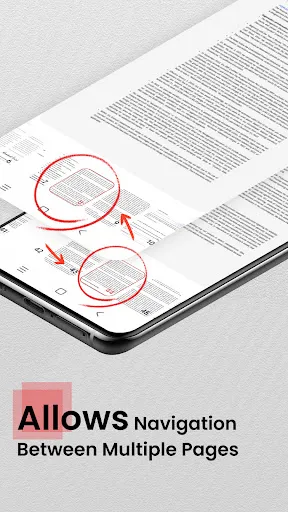
Open and navigate documents with fast page rendering, thumbnail previews and adjustable zoom. Continuous scroll and jump-to-page controls make browsing large files more efficient on mobile devices.
Annotation and Markup Tools
Highlight, underline and add text notes or freehand marks directly on pages. Annotations can be saved with the file and adjusted for color or opacity, supporting basic review and study workflows.
File Management and Sharing
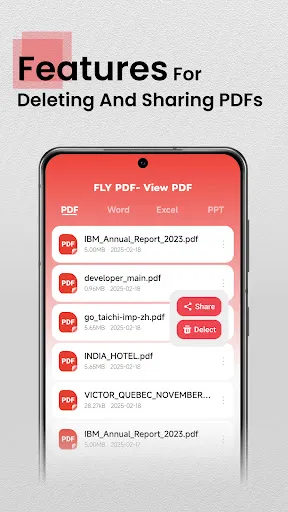
Organize documents into folders, rename files and search by title or content. Built-in sharing and export options simplify sending PDFs via email or saving to cloud services for backup and collaboration.
Performance and Compatibility
Optimized rendering reduces loading time and supports common PDF features including forms and password protection. Broad device compatibility helps keep files accessible when switching hardware.
Ratings
Similar Apps










Top Apps