RAR

Features of RAR
Intuitive and Easy-to-Use Interface
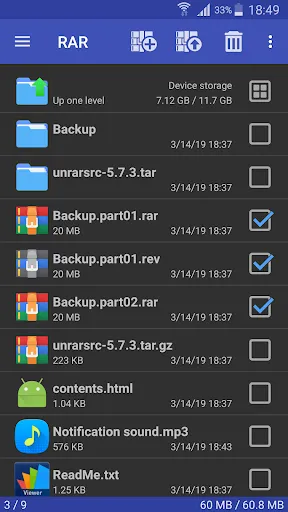
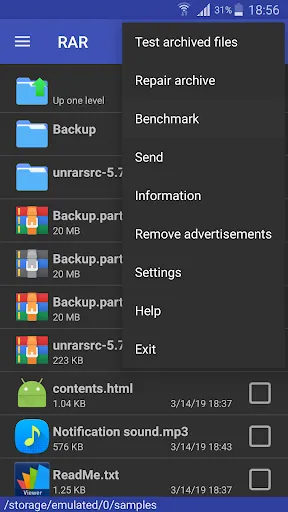
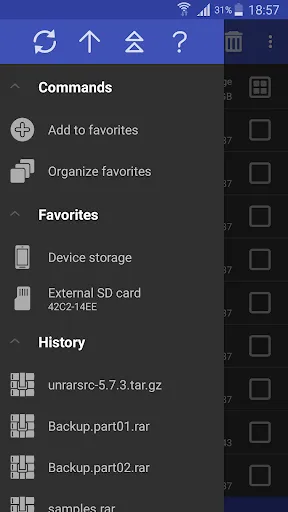
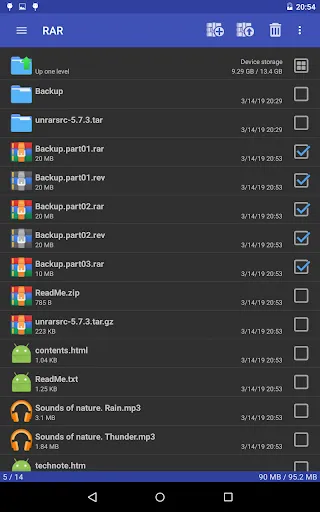
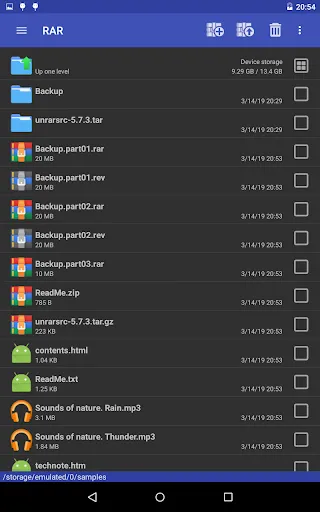
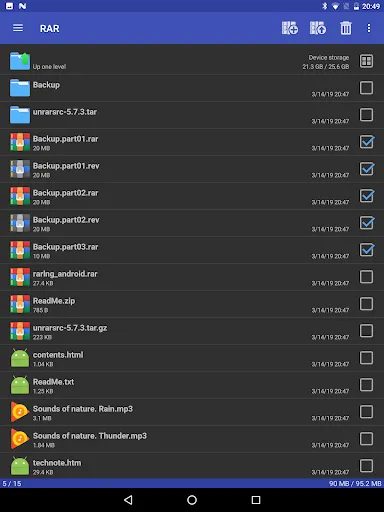
RAR app provides a clean and user-friendly interface, making it effortless to navigate through files and folders within the app. Its intuitive design ensures a smooth and hassle-free experience for users.
Powerful Compression and Decompression
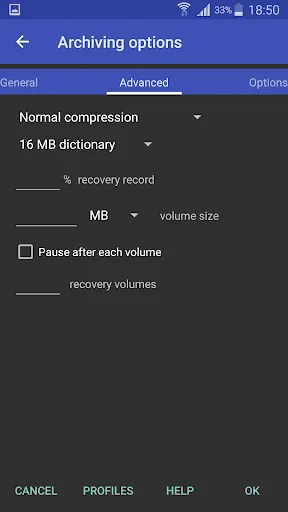
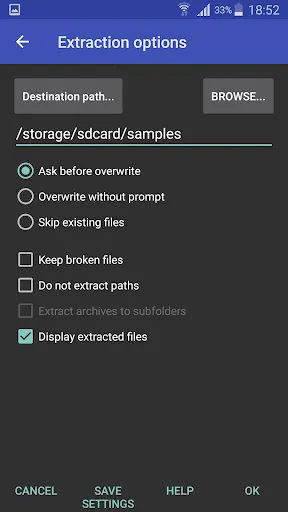
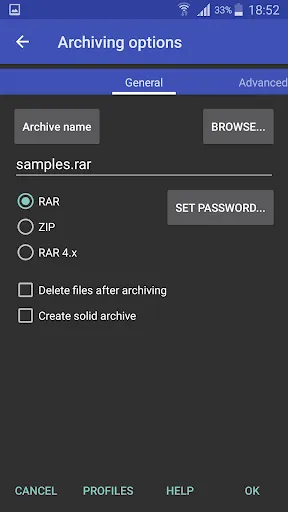
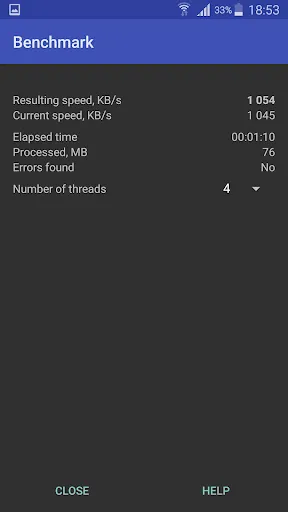
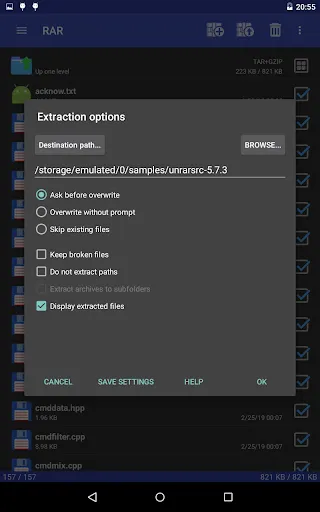
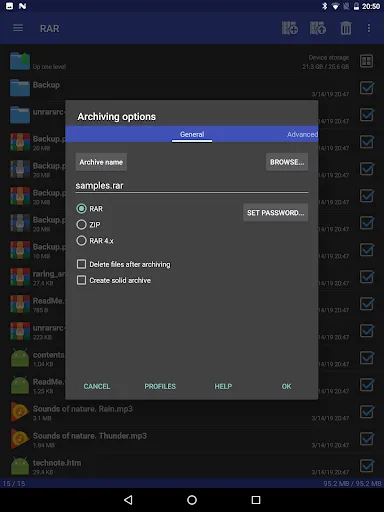
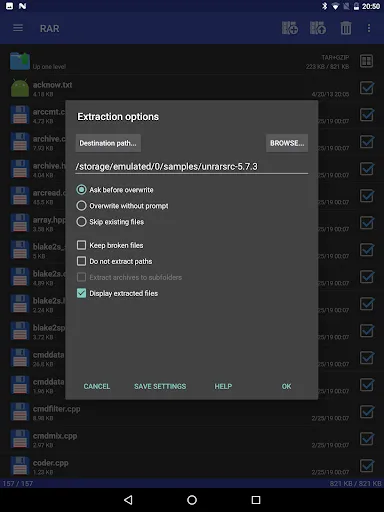
With RAR, users can compress files into various formats, such as RAR and ZIP, allowing them to save valuable storage space on their device. The app also supports decompressing a wide range of archive formats, making it versatile and convenient.
File Management and Organization
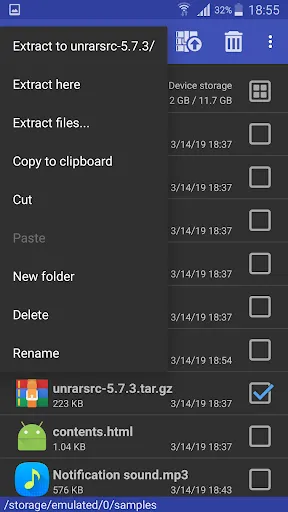
RAR offers robust file management features, enabling users to explore, sort, and organize their files effectively. From creating folders and renaming files to moving and copying data, the app ensures efficient file management in a few simple steps.
Tips
📦 Use RAR for all compression needs.
RAR is an all-in-one solution for compression, extraction, backup, and basic file management. Easily create and unpack various archive formats including RAR, ZIP, TAR, and more.
🛠 Repair and recover damaged archives.
Damaged ZIP or RAR files? No worries. RAR offers a specialized repair command to restore them, ensuring you don't lose your precious data.
🔐 Enhance security with encryption.
With RAR, not only can you compress and extract files, but you can also secure them with encryption. Safeguard your files from prying eyes.
📂 Dive into versatile file management.
Beyond its archiving capabilities, RAR doubles as a basic file manager. Move, delete, rename, and even install APKs all from within the app.
Pros & Cons
- All-in-one compression tool
- Supports multiple file formats
- Built-in file repair feature
- Advanced security encryption
FAQ
Can RAR handle password-protected files?
Yes, RAR can extract password-protected RAR and ZIP files, ensuring your data remains accessible even if secured.
What's the difference between RAR and other compression tools?
RAR stands out for its wide range of supported file formats, its built-in file manager, and its repair command for damaged files.
Ratings
Similar Apps









Top Apps