PDF Reader for Android

Features of PDF Reader for Android
Easy-to-use Interface
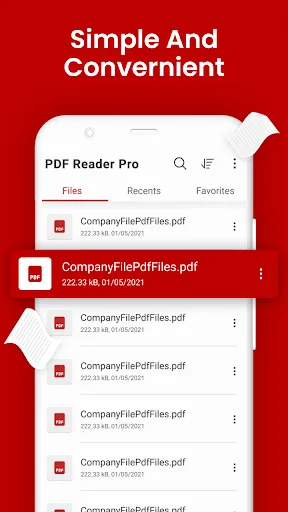
PDF Reader for Android offers a user-friendly interface that allows easy navigation and effortless access to all the essential features. With its intuitive design, users can quickly open, read, annotate, and manage their PDF documents with utmost convenience.
Powerful Document Viewing
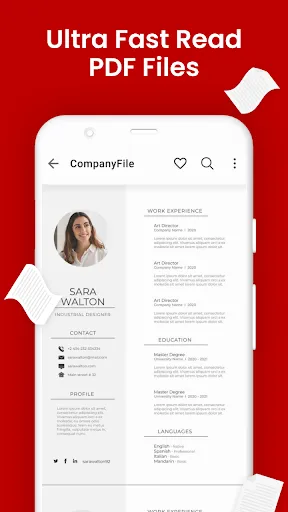
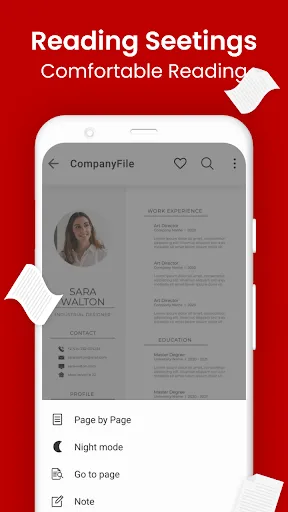
This app provides a powerful document viewing experience, enabling users to explore PDF files with comprehensive support for various viewing modes, such as single page, continuous scrolling, or thumbnail view. Additionally, it allows users to zoom in, bookmark pages, and search for specific content within the document.
Annotation and Editing Tools
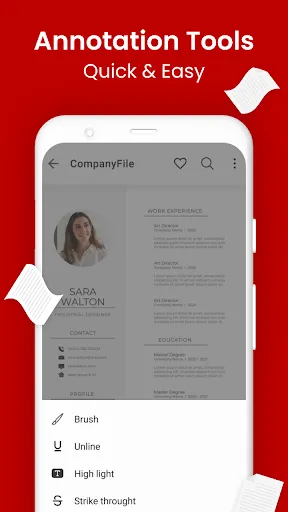
PDF Reader for Android enhances productivity by offering a range of annotation and editing tools. Users can highlight text, underline important points, add sticky notes, and draw freehand with ease. Furthermore, it enables users to fill out forms, sign documents, and perform basic editing functions on PDF files seamlessly.
Ratings
Similar Apps









Top Apps