Okta Verify

Features of Okta Verify
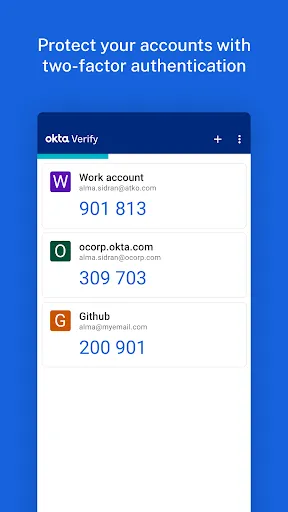
2-factor Verification
To make your usage of the application more convenient, you can enable 2-factor verification. After registering your device with Okta, you can enable 2-factor authentication using a 6-digit one-time password.
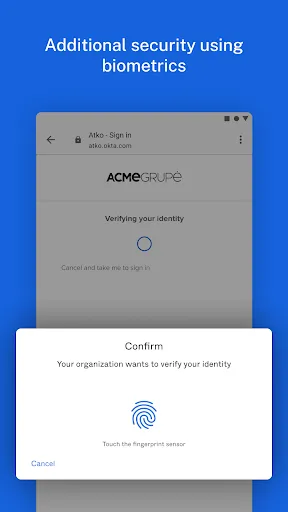
Biometrics
Set up biometric authentication for your applications so that the app content is more secure. Once you set fingerprint recognition or facial recognition, then only you can open the locked app. Note that whether this feature can work normally depends on if your device supports biometrics.
Tips
🙋 Allow Okta Verify to use the camera.
To be able to scan QR codes when registering your device with Okta, be sure to turn on your device's camera access for Okta Verify.
Pros & Cons
- Secure
- Well-designed UI
- Slow
- Buggy
FAQ
Why can't I use some functions?
It is important to note that some features are only available if enabled by your IT organization. So check if your IT organization allows the relevant features.
Ratings
Similar Apps









Top Apps