AI Art Generator - Anime Art
Features of AI Art Generator - Anime Art
A variety of art models
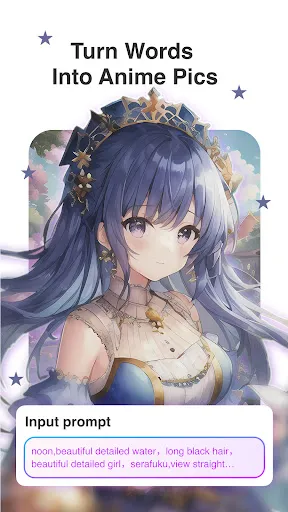
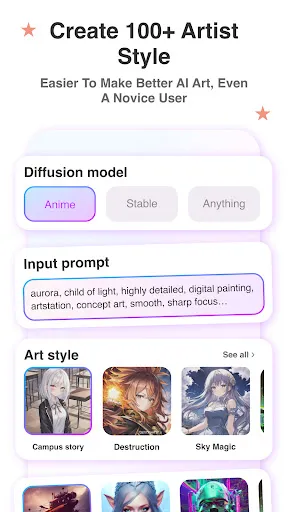
Provides three Art models for you to generate your own style creations, different from other apps only have styles you can choose to generate. Anime diffusion for generating anime-style art. Stable diffusion for generating concrete reality AI Art. You can choose what you like!
Regenerate images depending on your photos or other pictures
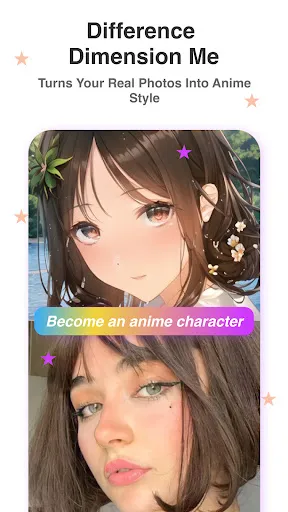
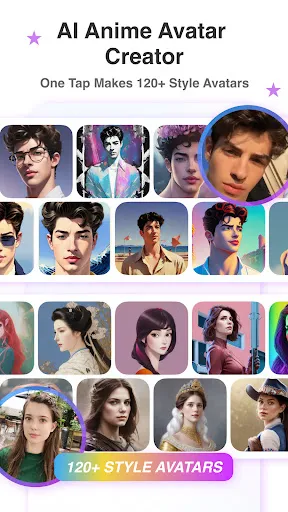
A new section coming now! Besides the AI Art generator, you can use your own photos, a couple of photos, or your pet photos to generate artwork. Just like it or dream, have fun with this function. You can try different kinds of photos. Wonder how magic you will generate! Also, you can choose the style you want to generate. AI helps you turn photos into other styles of artwork. We will continue developing fun AI functions for you, let AI be your assistant.
AI-generated art plus portrait restoration and pixel adjustment
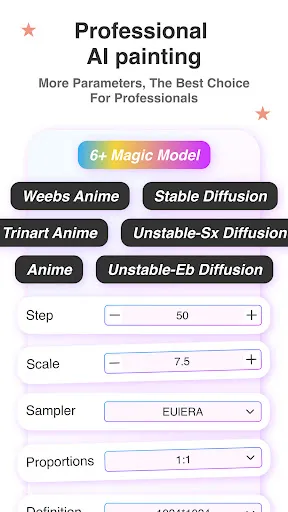
Now we offer more size options. You can generate clearer and more high-quality pictures. Besides, we have access to the portrait restoration function, which you can try now, will help you generate better images, and automatically fix details, making your creations more worry-free and effortless.
Inspiration to generate AI artwork
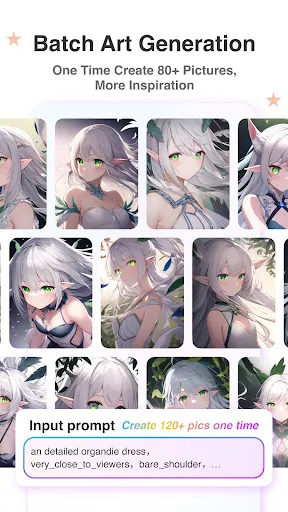
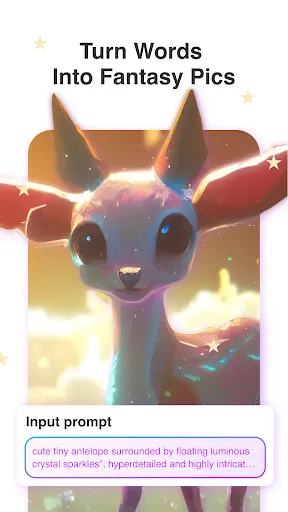
Adding a new section of the gallery show, you can see more beautiful and creative pictures. You can use the prompt to generate pictures directly. Not only that, we provide tips for you to optimize your prompt, and keep you away from strange paintings. Just as stable diffusion, mid-journey, and dalle 2. Fantasy is easy to use, even if you don't have systematic painting teaching. Imagine a screen in your head, describe it by texts, then enter the texts into Fantasy. AI will turn your thoughts into AI artwork. You can try various inspirations. Also, you can try " Open AI creator " " Alien disco diffusion" and "Deep dream". You will get AI Art now.
Tips
🎨 How to start to generate Art AI works?
- Use words to describe what you want to create, no matter what. Enter the words. Such as " undiscovered animal" and “a panda in mechanical armor”. AI will generate AI Artwork.
- Choose AI Art generated model, you can select one between stable, fantasy, and anime.
- Pick an AI Art style. Various style examples for AI art. Intuitively see the effect through the picture. Must satisfy you with dream art.
- Click GENERATE button at the bottom of the screen, then sees the process of AI artists using the power of AI to turn your words into artwork.
- NEW FUNCTIONS, Portrait restoration, and Size adjustment. Help you generate more exquisite paintings.
Ratings
Similar Apps






Top Apps