

Microsoft To Do: Lists & Tasks

Category
Productivity
Latest Version
VARY
Publish Date
04/19/2017
Developer
Microsoft Corporation
Security
100% Safe
Price
Free







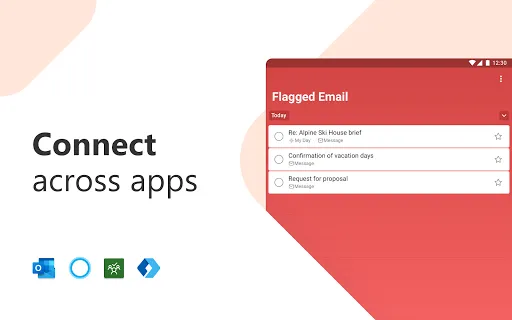
Features of Microsoft To Do: Lists & Tasks
Intuitive and Organized Task Management
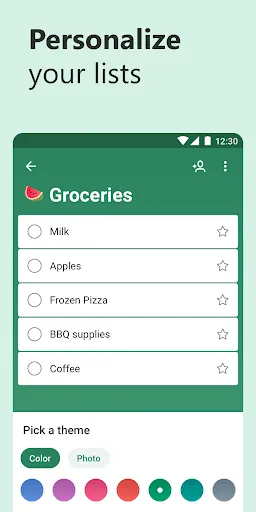
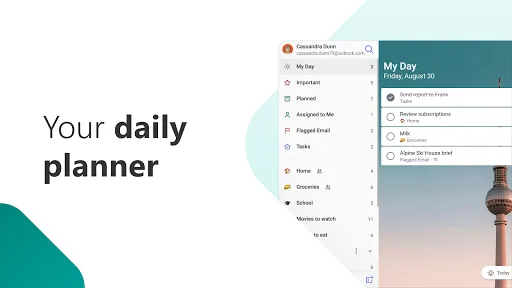
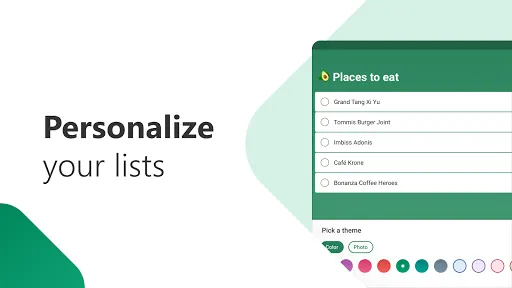
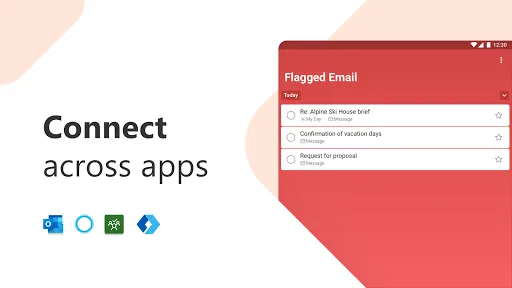
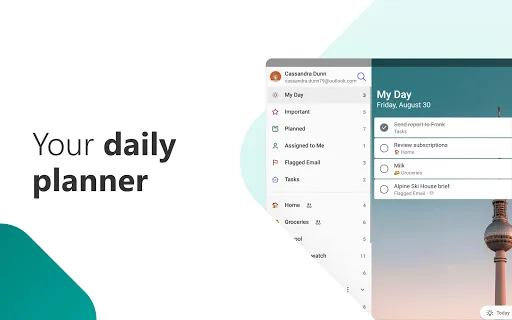
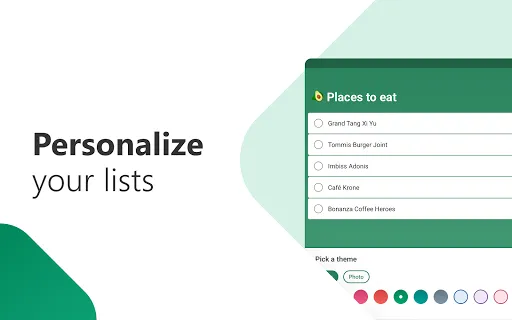
Microsoft To Do offers an intuitive interface, making it easy to create and manage tasks. With its clean and organized design, you can prioritize and categorize your tasks effortlessly.
Collaborative Task Sharing
Stay on top of your shared projects with Microsoft To Do's collaborative task sharing feature. Assign tasks to team members, track progress, and ensure everyone is aligned with the shared goals.
Seamless Sync Across Devices
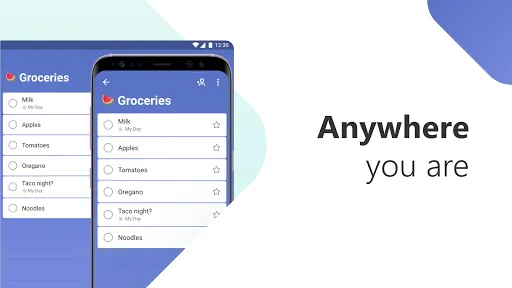
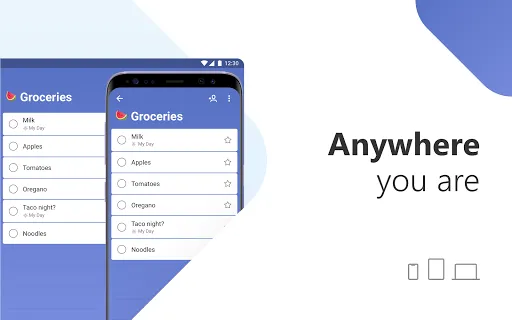
With Microsoft To Do, your tasks seamlessly sync across all your devices. Whether you're on your phone, tablet, or computer, you'll always have access to your to-do lists, ensuring you never miss a beat.
Ratings
Similar Apps

Microsoft Word: Edit Documents
Productivity
4.7

Google NotebookLM
Productivity
4.8

PDF Reader - PDF Viewer
Productivity
3.6

Meta AI
Productivity
4.4

Word Document: DOCX, PDF, XLSX
Productivity
4.2

Google Gemini
Productivity
4.5

Adobe Acrobat Reader: Edit PDF
Productivity
4.3

Grok - AI Chat & Video
Productivity
4.7

Express Plus Centrelink
Productivity
3.7

Microsoft Excel: Spreadsheets
Productivity
4.7
PDF Reader, Editor, Converter
Productivity
3.9

Gallery
Productivity
3.6
Top Apps

WhatsApp Messenger
Communication
4.6

HBO Max: Stream TV & Movies
Entertainment
4.6

Instagram
Social
3.7

Proton VPN: Fast & Secure VPN
Tools
4.7

Shop
Shopping
4.3

Australia Post
Business
4.7

Microsoft Authenticator
Business
4.6

Google Wallet
Finance
4.3

SBS On Demand
Entertainment
4.3

AliExpress - Shopping App
Shopping
4.2

Paramount+
Entertainment
3.3

Microsoft Teams
Business
4.6