CapCut: Photo & Video Editor

Features of CapCut: Photo & Video Editor
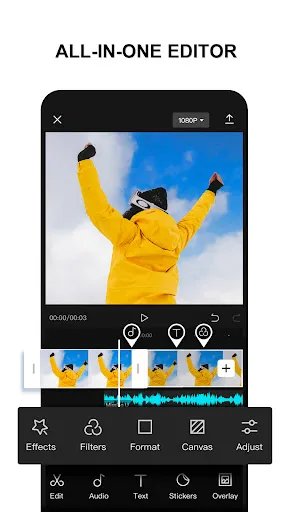
All-In-One App
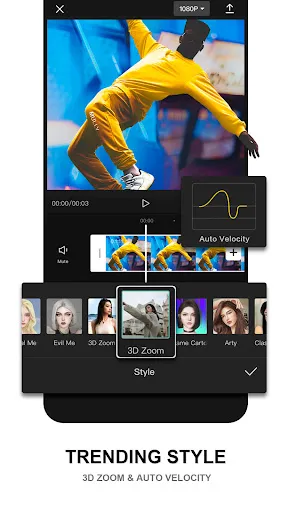
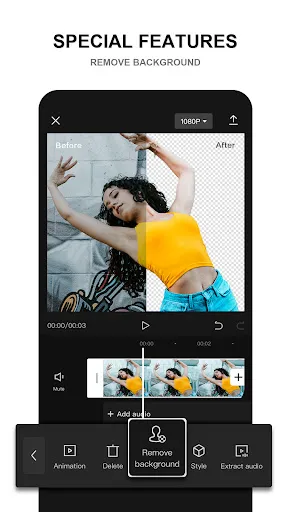
CapCut is a free all-in-one video editing app. You can do many things on it, such as editing, reversing, shifting, adding backgrounds, etc. With CapCut, you can have all your needs met in just one app.
Post Your Wonderful Moments
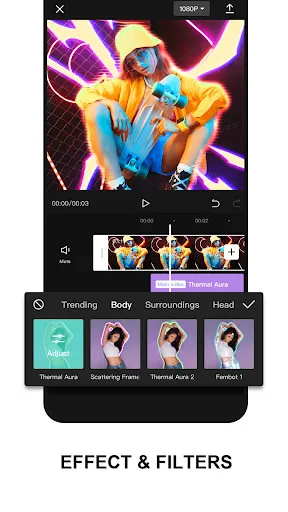
CapCut offers high-quality filters and flawless beauty effects so that you can show your best self. After CapCut editing, you will get more exquisite video effects.
Get Creative With Your Videos
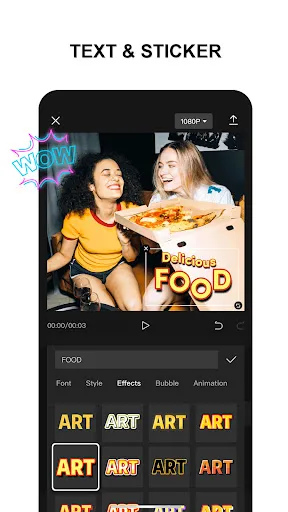
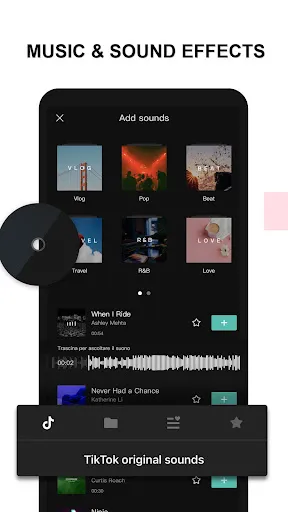
CapCut contains a huge library of music, popular stickers, and text for you to choose from. You can use your own creativity to make interesting videos. Different choices of stickers or music will bring different magical effects!
Tips
😜 Use stack videos to generate more fun.
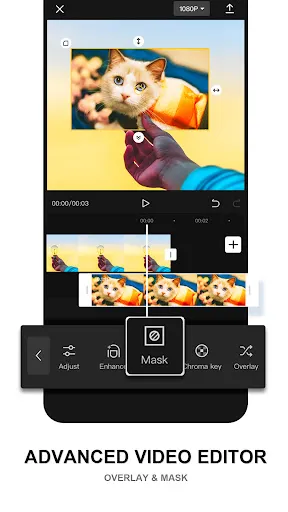
On CapCut, users can make stack videos or pictures. When you're watching some funny videos, you can add your reaction right above it so that the audience can enjoy the fun with you together. Tap the "overlay" button, and you'll see the tools to make it.
💡 Add green screen effects with the in-built screen recorder.
When you are making videos, there're loads of green screen effects that you can use. With the in-built screen recorder, you're free to capture what you need and import the recorded clip into the timeline. After trimming the video and placing the captured clip where you want it to be, go to the "Crop" and choose the preferred dimension, then use the "Chroma" key to remove the green screen.
🔎 Pinch in to apply the zoom-in effect.
In CapCut, users are allowed to pinch the video to apply the zoom-in effect. Choose the video you want to edit, and tap the "Keyframes" button on the right to add a keyframe at the video's starting point and towards the end. Then you can pinch in to apply the effect.
👀 Apply filters to polish the video.
Users can apply filters to polish their videos as a final touch. Choose a video that you want to add filters to, and select "Filters" from the horizontal menu. If you don't want to exaggerate too much, remember to move the slider to adjust the intensity of the applied filters.
Ratings
Similar Apps




Top Apps