Google Pay

Features of Google Pay
Easy-To-Use Payment
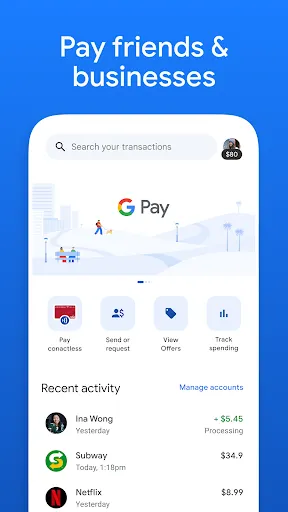
Google Pay allows you to quickly transfer or receive money between friends and family or even strangers, and you can also send group payments with no need to inform them one by one. When you are out shopping, you can make payments directly without contact.
Derivative Functions
In addition to direct transfers, you can also use Google Pay to find nearby restaurants and malls with priced goods, check the nearest gas station, and even get a nearby bicycle. When shopping on other websites, you can make quick payments with Google Pay.
Better Arrange Your Money
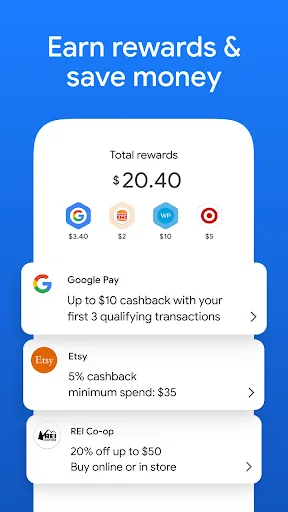
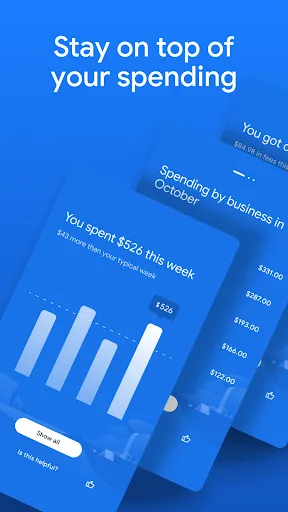
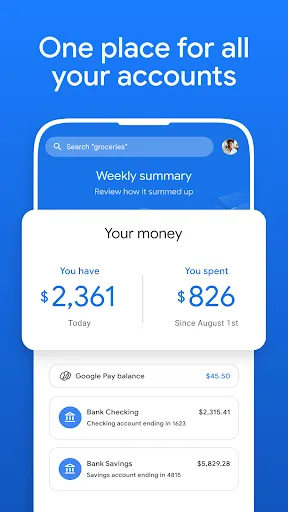
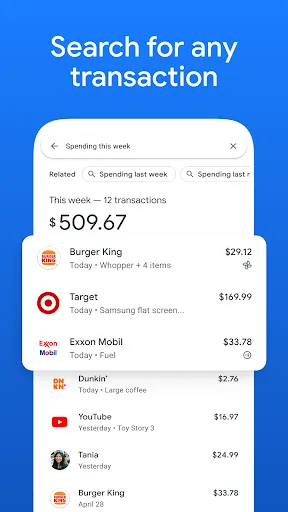
You can view all your income and expenses on Google Pay and know the percentage of your expenses in different areas. And Google Pay provides expense analysis for your reference. In addition, if you meet the required conditions, you can also enjoy discounts in order to save money.
Secure Payment
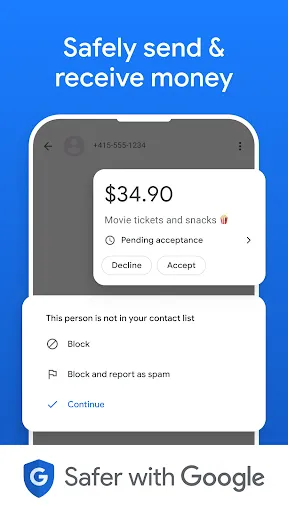
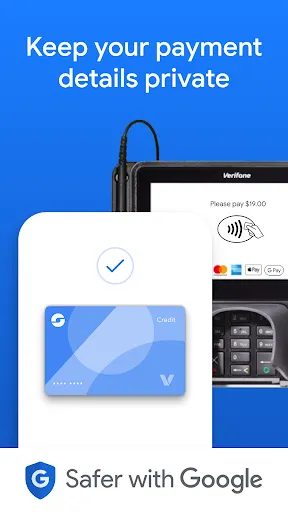
All of your account information is protected, and your fingerprint, pattern, PIN, or face will be required to verify your identity when you make payment. Your personalized settings will be preserved so you can get a more comfortable experience.
Tips
😜 Use QR Codes to send and receive instantly.
Google Pay allows users to send and receive by simply scanning the QR codes. You can pay by tapping the "Scan any QR" at the top left of the interface and then either scan with the camera or from your gallery. Besides, you'll find your own QR code in the profile beside the avatar.
👀 Check the balance of multiple accounts effortlessly.
Google Pay allows users to check several bank accounts on the app, which means there's no need to visit individual banking apps to check their balances separately. To do this, just head to the homepage, tap "Bank Accounts," and you can select any of them to check after entering the UPI PIN.
😉 Add more than one account to take advantage.
Google Pay allows users to add multiple bank accounts, including their own bank accounts and family's or friends'. With several accounts added, you can transfer money between them without using bank-specific apps or any inconvenient approaches.
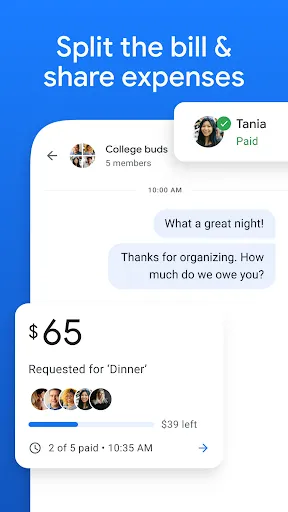
👻 Split the bill with many friends at once.
Google Pay allows users to split the bill with many friends at once. Just set up the payment or request, and add all the recipients you want to split with. Now, you can skip the math and send or request the same amount easily after hanging out!
Ratings
Similar Apps











Top Apps