Lightroom Photo & Video Editor

Features of Lightroom Photo & Video Editor
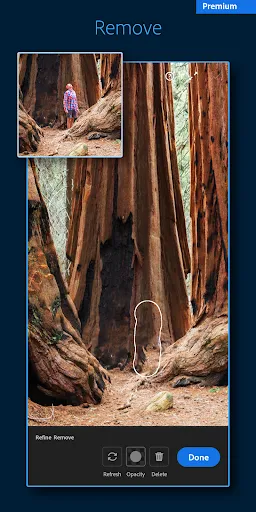
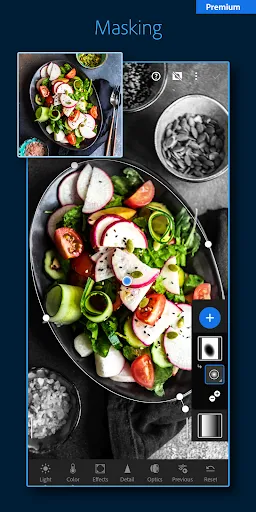
Professional photo editing
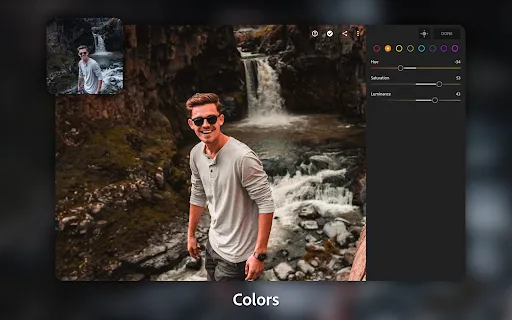
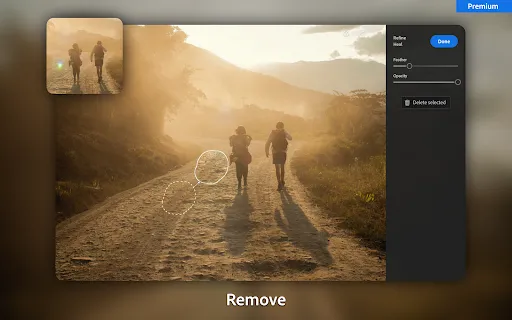
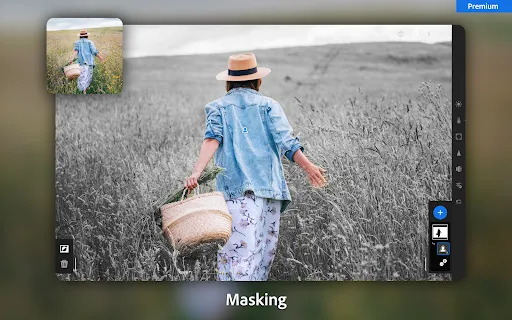
Transform your ordinary photos into extraordinary masterpieces with advanced editing tools like color correction, selective adjustments, and dynamic range enhancement.
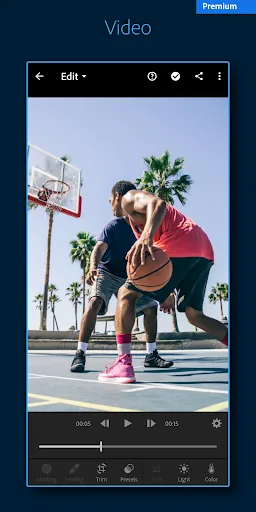
Seamless video editing
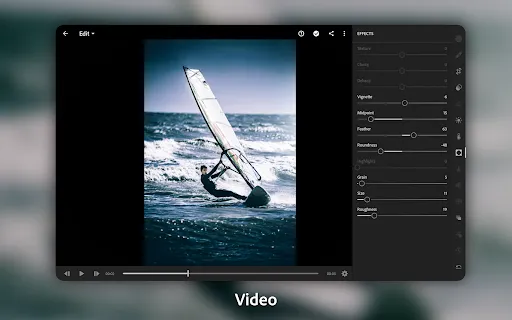
Edit videos effortlessly using intuitive tools such as trimming, cropping, and adding professional-grade effects to make your videos stand out on social media platforms.
Creative presets and filters
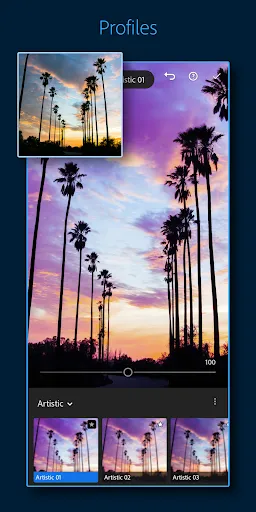
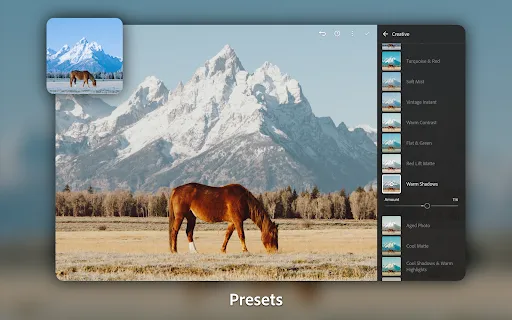
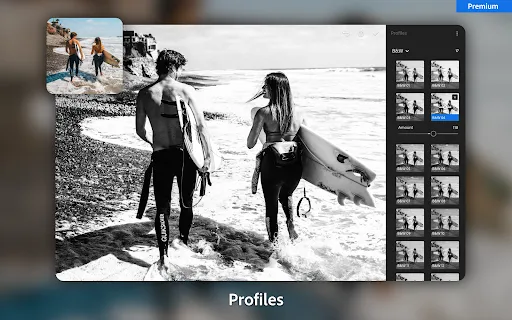
Enhance your photos and videos with a wide range of creative presets and filters, enabling you to easily apply stunning visual effects and artistic styles with just a single tap.
Tips
📸 Explore presets for quick edits.
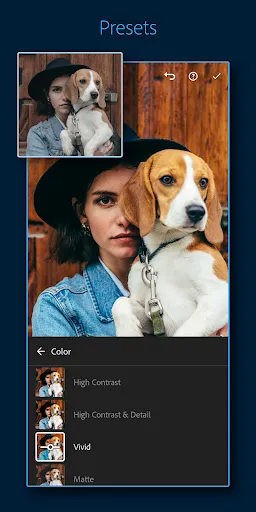
Dive into a diverse library of presets to instantly enhance your photos and videos. Discover styles that suit your taste or create and save your own for that personalized touch. With just a tap, transform your media into professional-looking pieces.
🎨 Adjust details for perfect results.
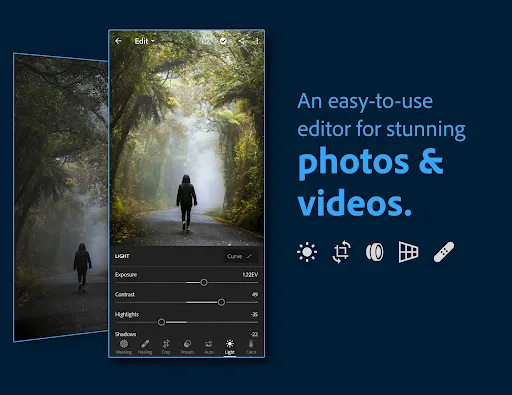
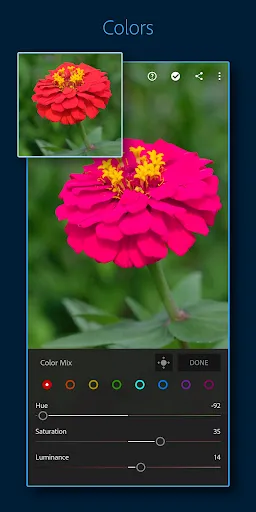
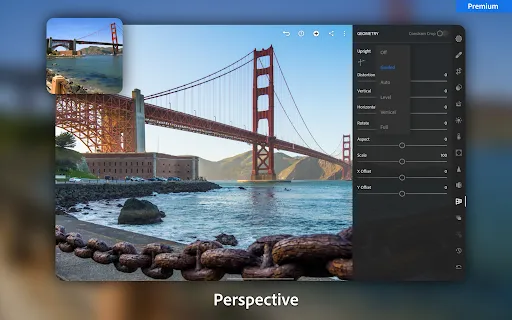
Utilize the advanced editing tools to refine every aspect of your images. Play with light, exposure, color, and detail to bring out the best in your photos. Use the precision sliders to adjust the look of your media and achieve the perfect balance.
🔍 Organize your gallery with AI.
Let Adobe's AI organize your gallery for you. Use it to search for images based on content, saving time and effort. This intelligent system learns from your edits, helping to surface your best shots and simplifying your workflow.
Pros & Cons
- One-tap presets for easy edits
- Advanced precision tools
- AI-powered sorting and searching
FAQ
Is Lightroom suitable for beginners?
Yes, Lightroom's user-friendly interface makes it accessible for beginners, while its advanced features satisfy the needs of professionals.
Does Lightroom offer storage solutions for my edits?
With a premium subscription, you can access 100GB of cloud storage to keep all your creative work secure and available across devices.

Ratings
Similar Apps






Top Apps